Battle Born® Mobile App
Project Scope
Complete UI design for the Battle Born® customer and installer mobile apps, covering user experience, system architecture, and Figma prototyping for iOS and Android devices.
Product
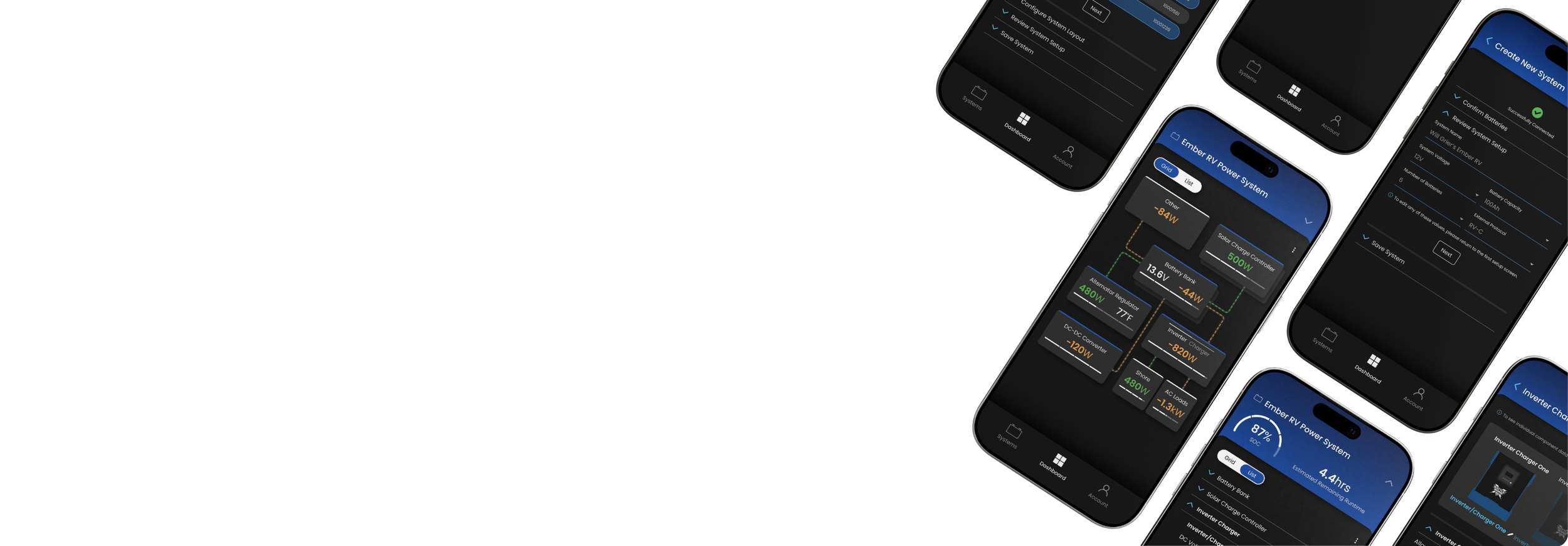
A mobile app built for Battle Born® customers to remotely monitor and manage their system from a single application.

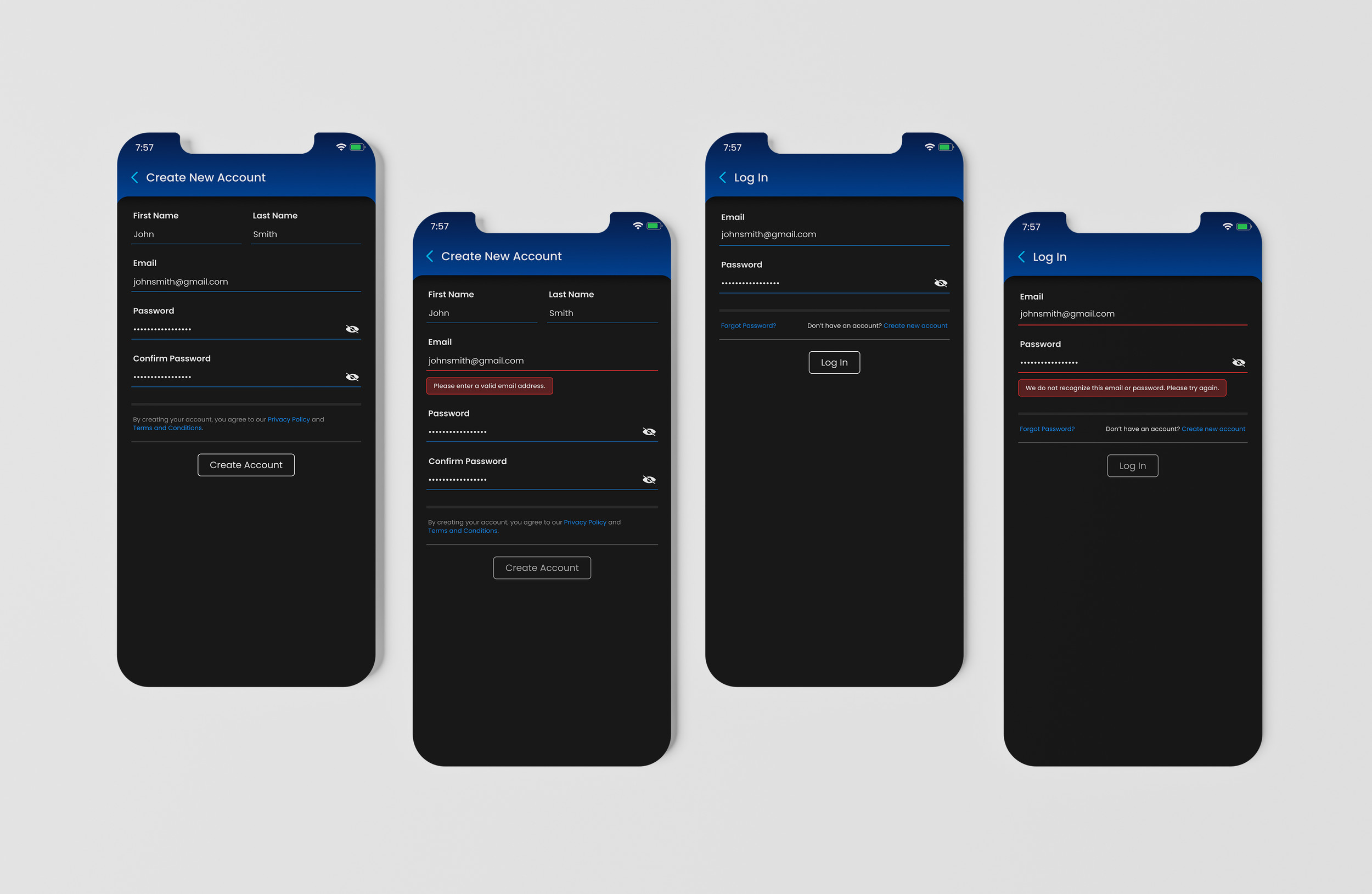
Seamless account log in and new account creation with inline field validation and clear, descriptive error states designed to keep users moving through onboarding without friction.
Account Access
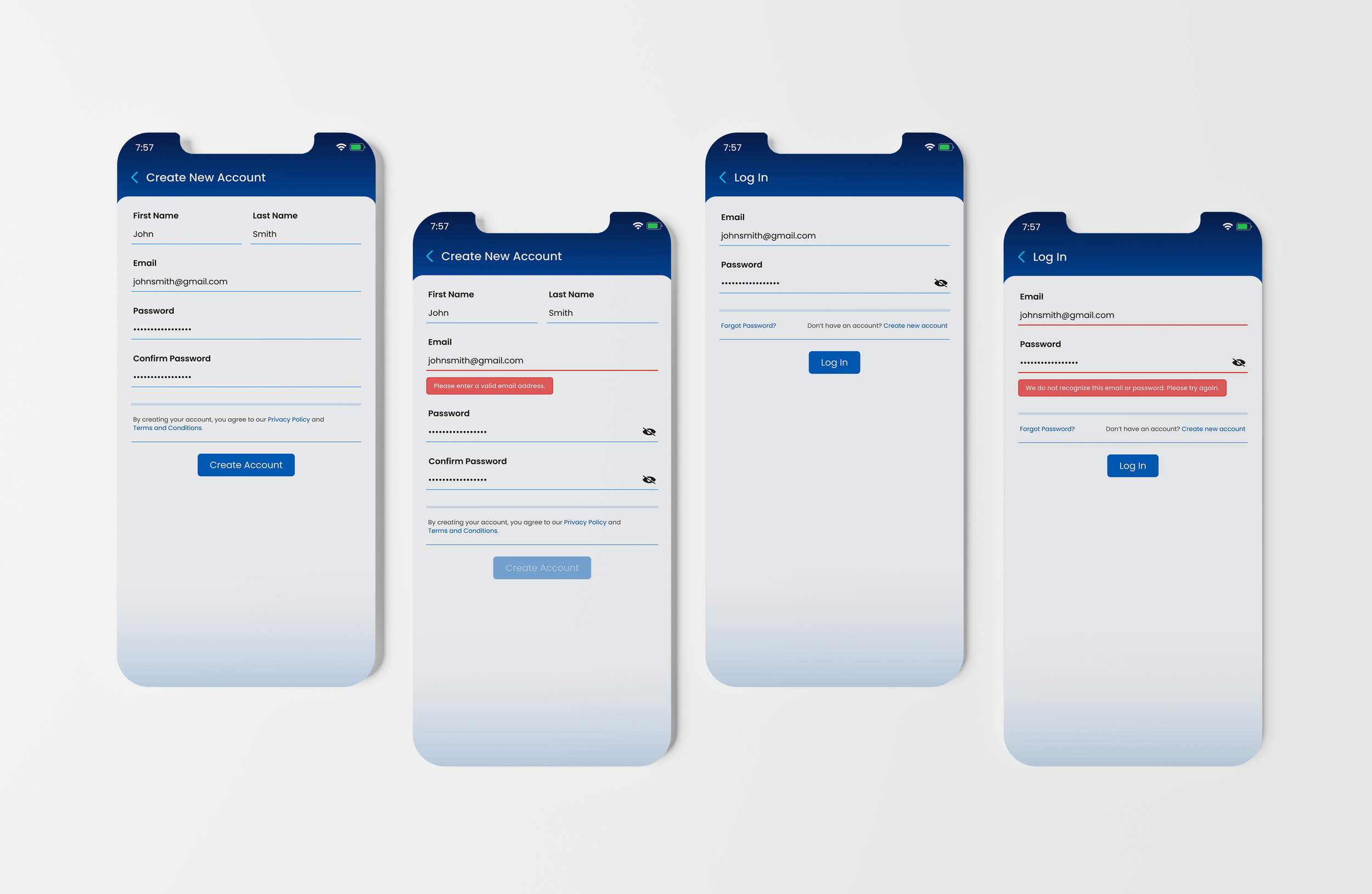
DARK MODe This minimal log in design makes account recovery and resetting forgotten passwords easy and intuitive, with consistent field validation and error messaging uniform across flows.
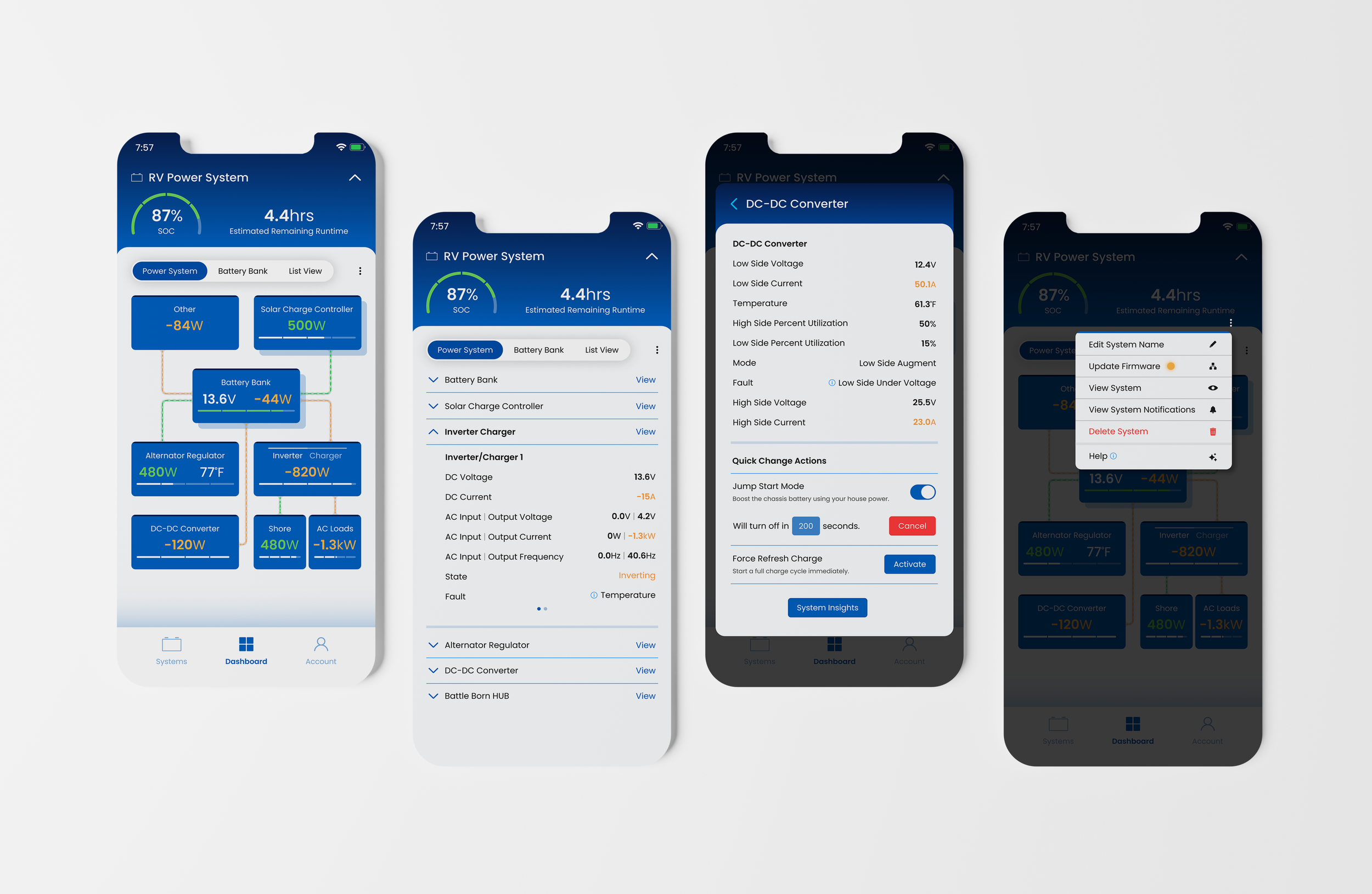
LIGHT MODe A live system diagram brings each component together into a single view, providing real-time insight into system performance with a clear visual representation of how components interact.
Dashboard Monitoring
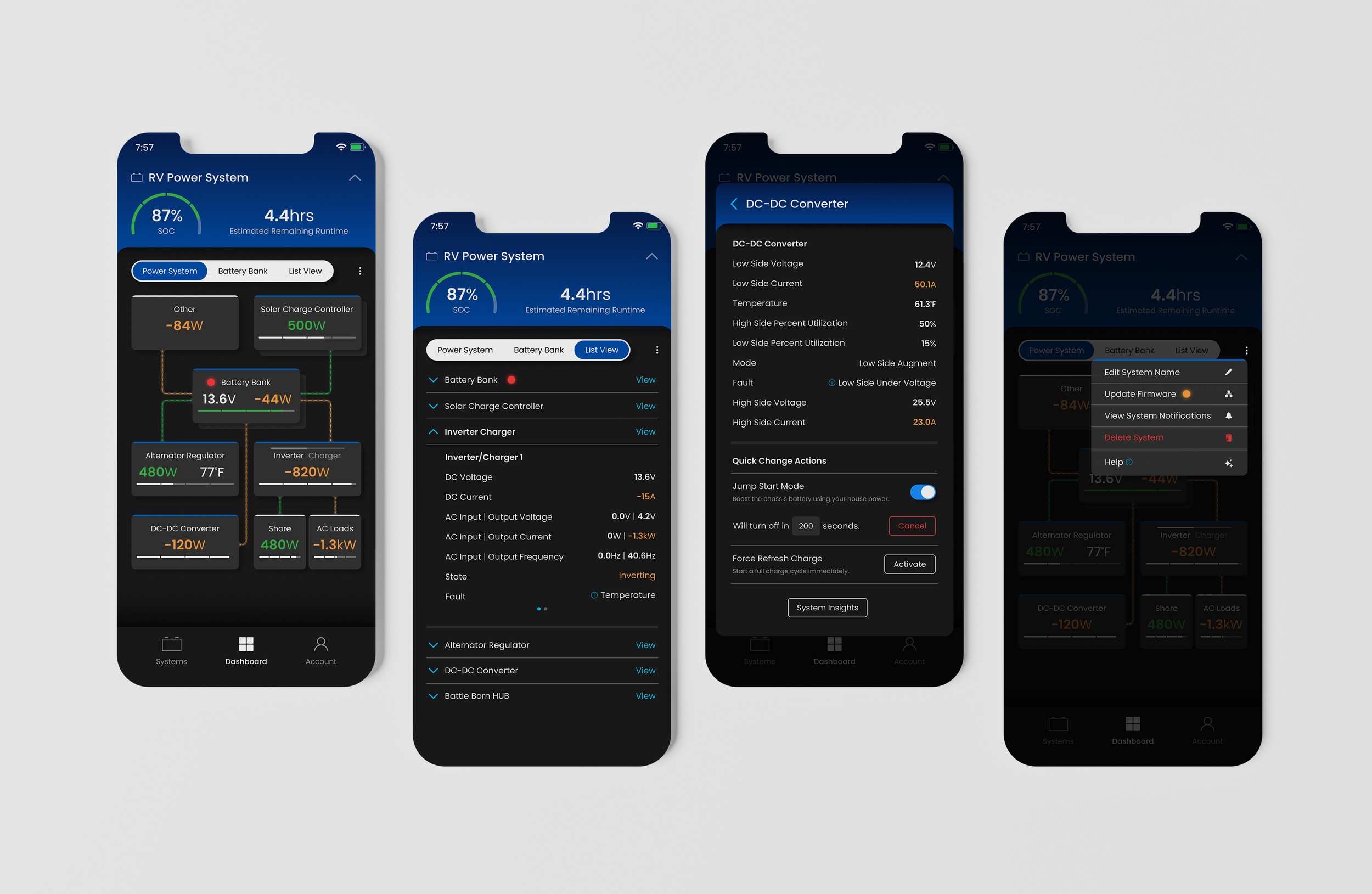
DARK MODe Grid and list views provide flexible ways to explore each system, with contextual controls placed alongside each component to streamline management and reduce unnecessary taps.
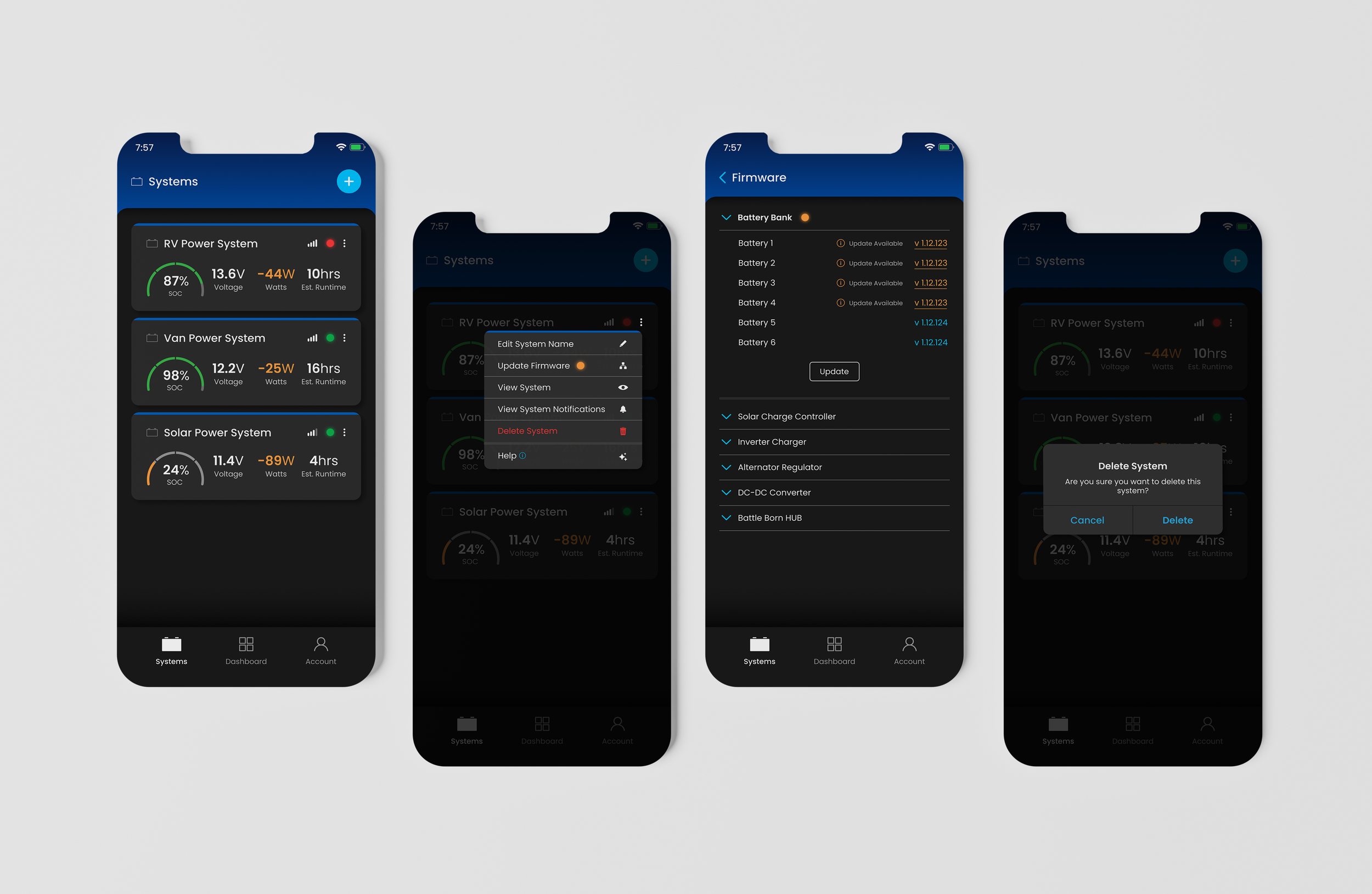
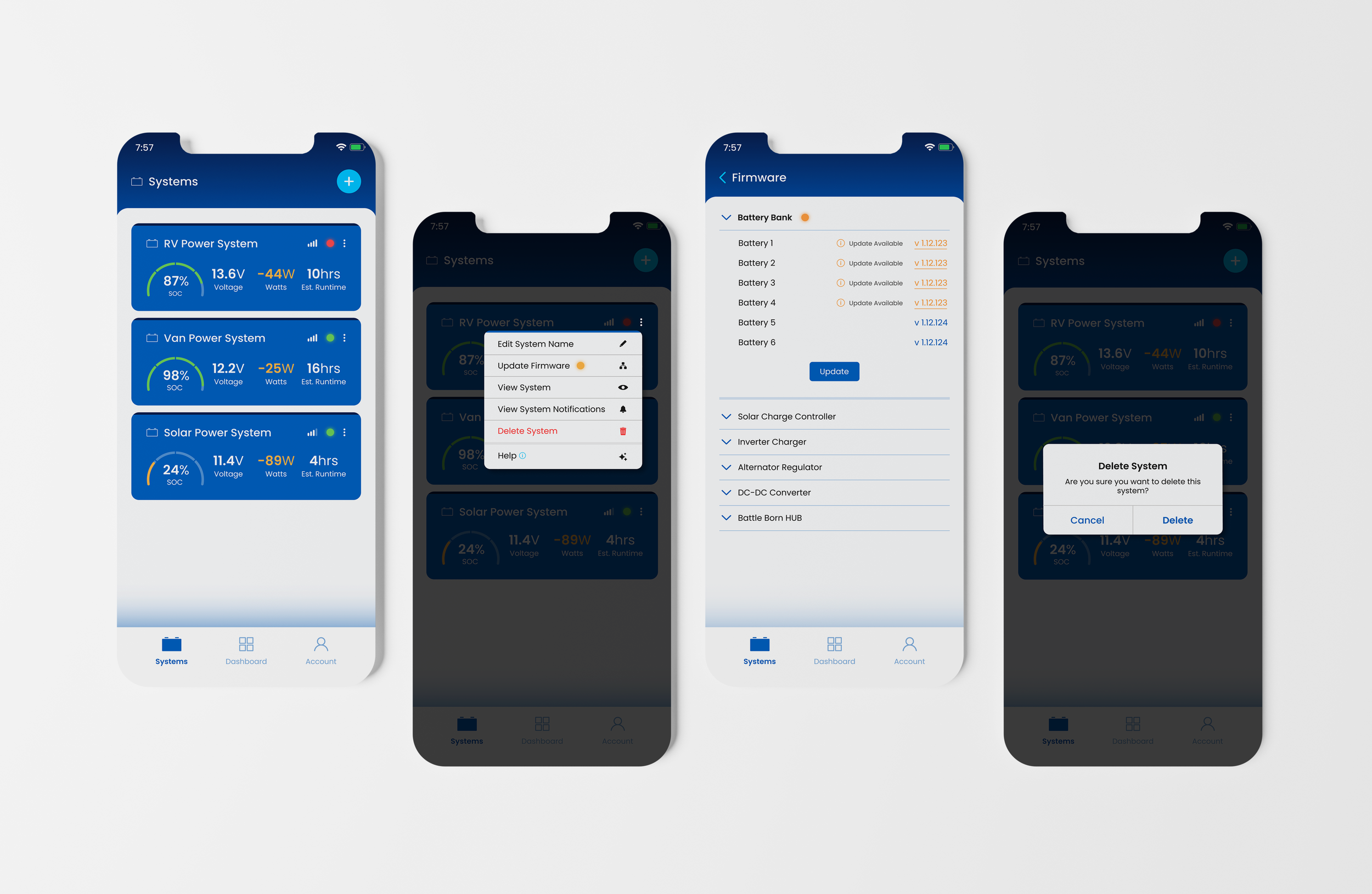
LIGHT MODE This consolidated view of all created and active power systems quickly surfaces critical, real-time data including the system's current state of charge, voltage, watts, and estimated runtime to a single screen.
System Management
DARK MODE From the Systems menu, users can rename a system, push firmware updates to connected power system components, set notification preferences, and request help from the Battle Born® technical support team.
LIGHT MODE Detailed component views consolidate performance metrics, status information, and diagnostics into a single interface, making it easier to monitor system health and troubleshoot issues.
System Component Control
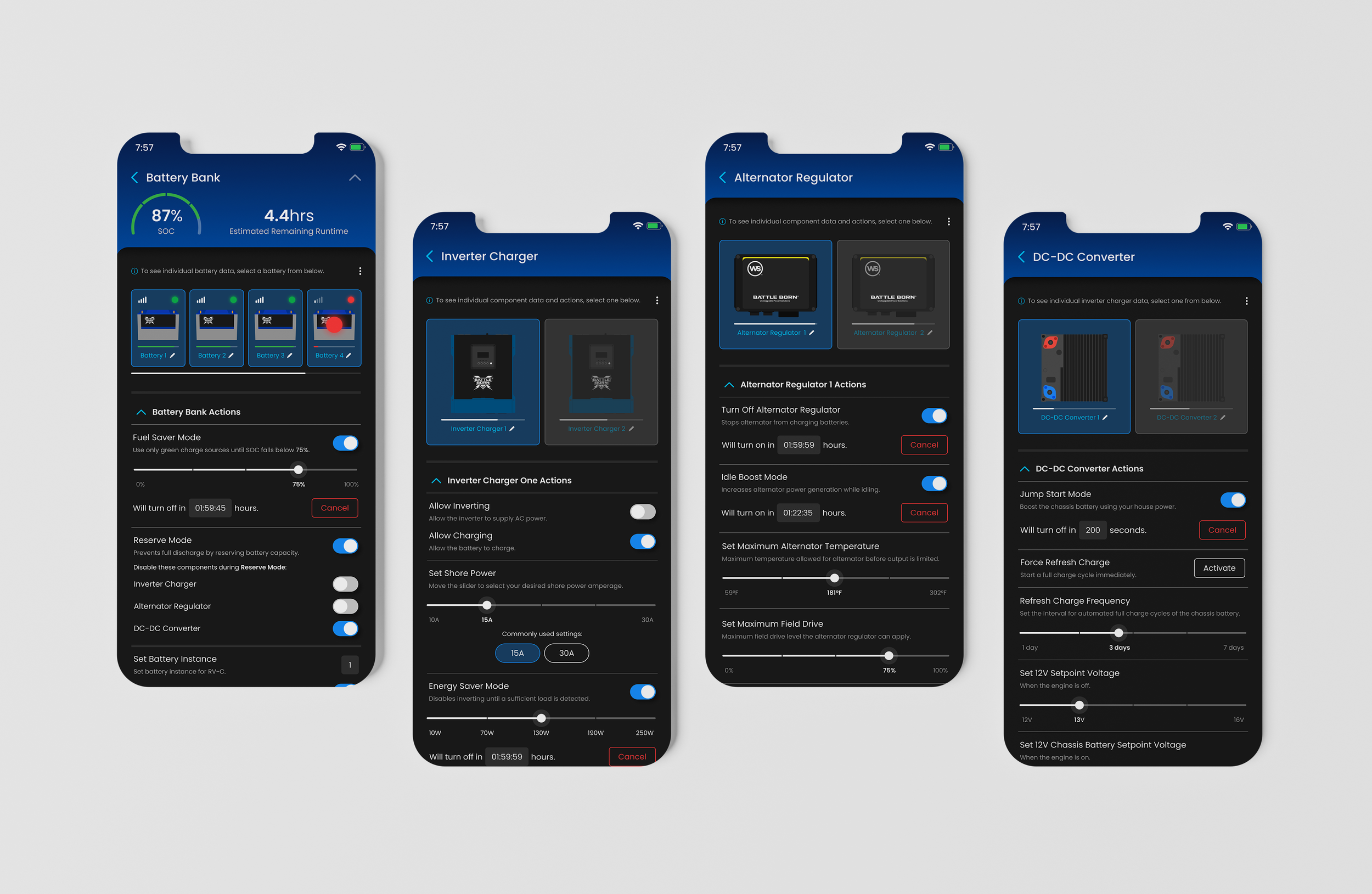
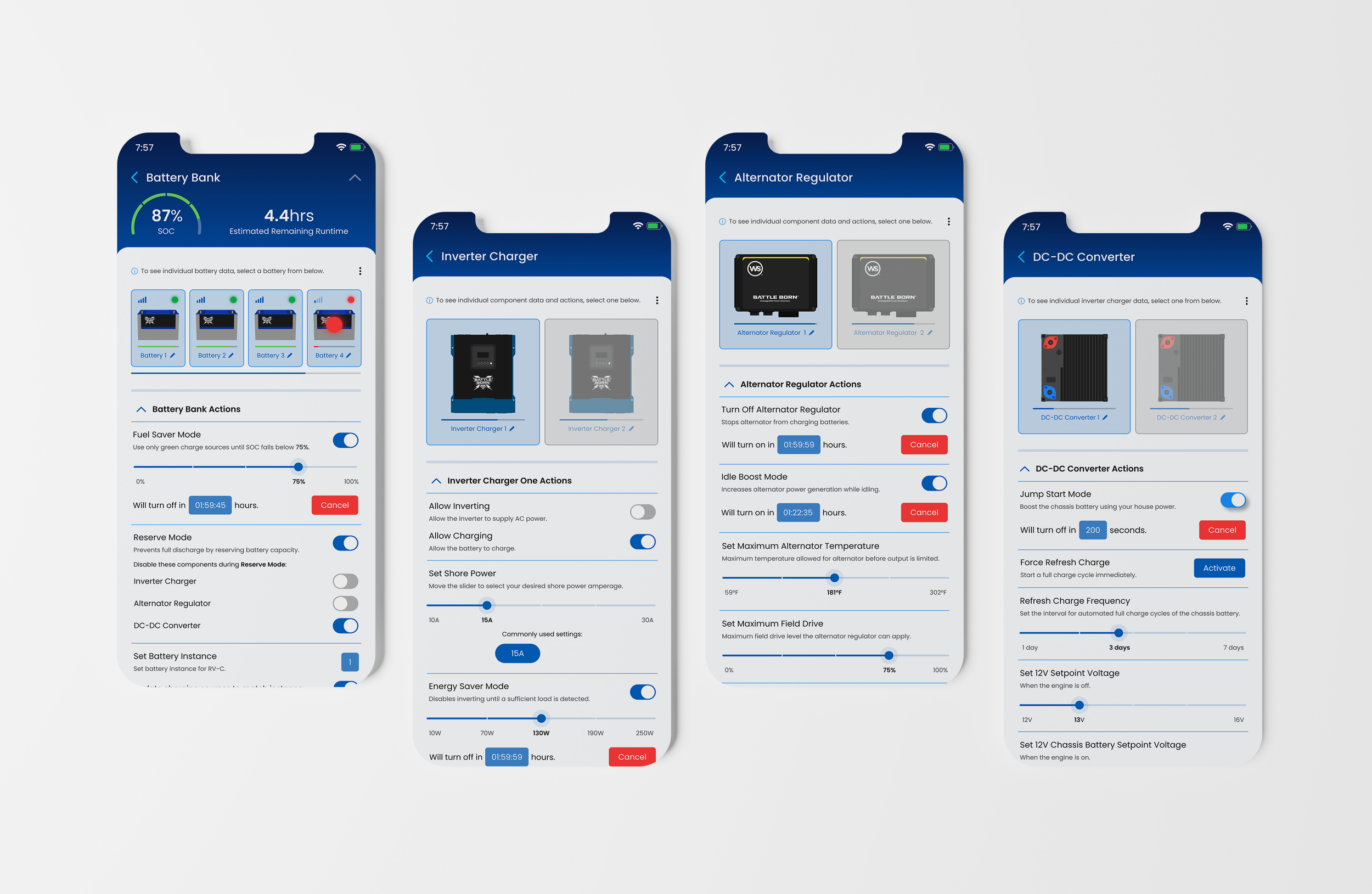
DARK MODE Integrated quick-action settings provide immediate access to commonly used configurations, enabling users to fine-tune charging, power management, and system behavior without unnecessary navigation.
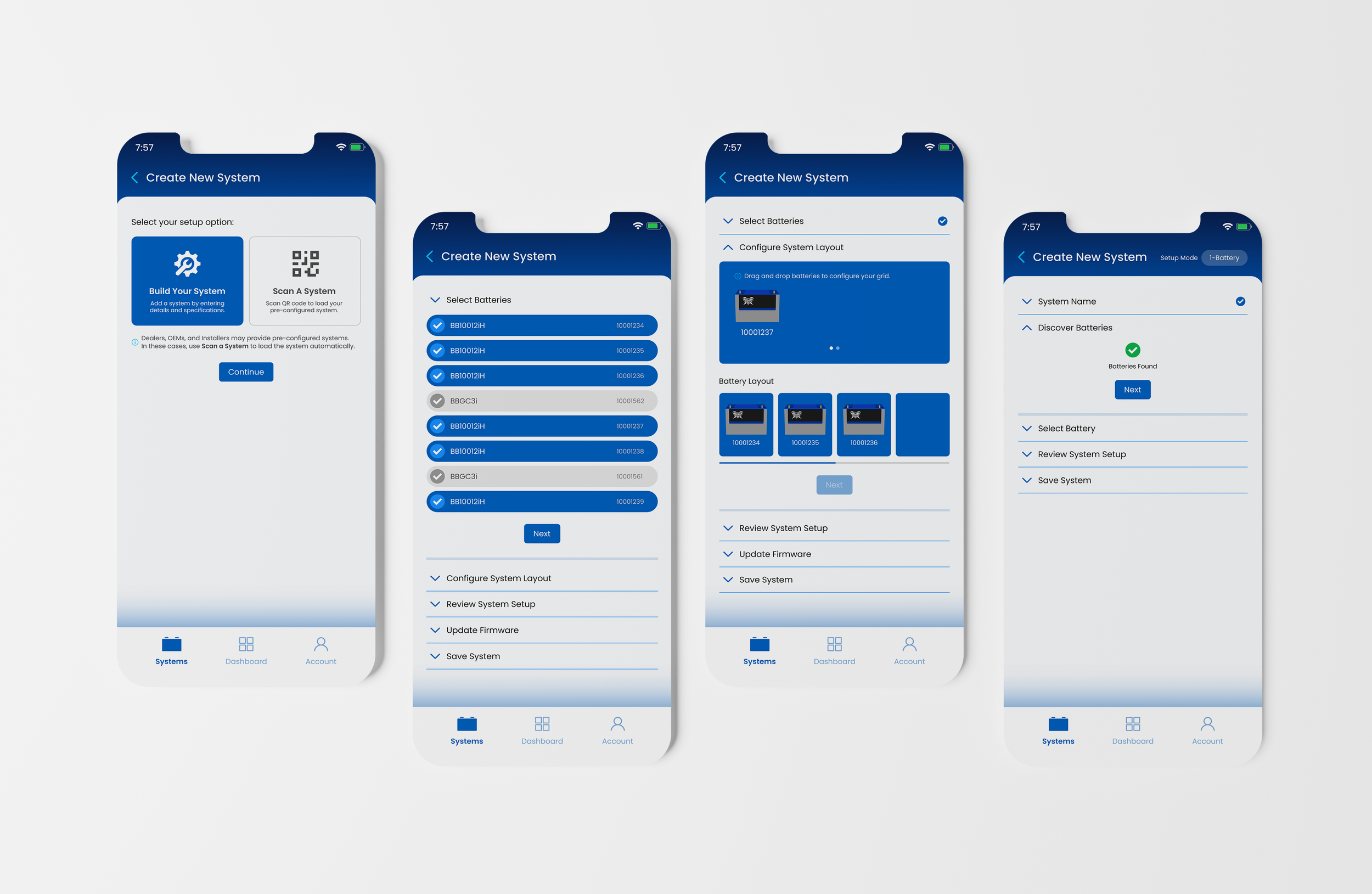
LIGHT MODE Users can add a new power system in minutes with support of a guided step-by-step flow covering power system specifications, component selections, and firmware status confirmation.
System Setup
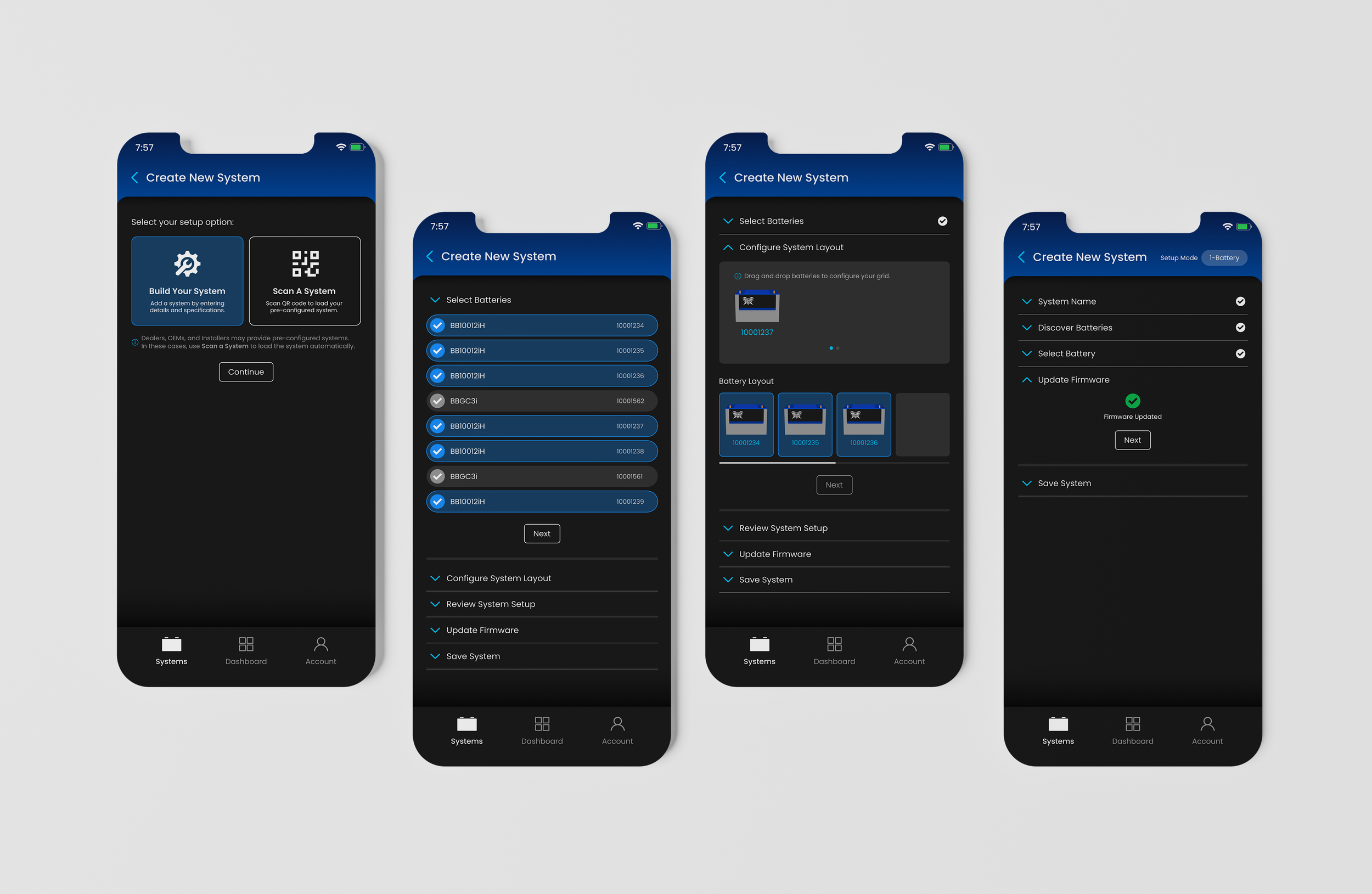
DARK MODE A drag-and-drop interface lets users visually arrange their battery configuration, with each completed step collapsing automatically to keep the user experience direct and easy to navigate.
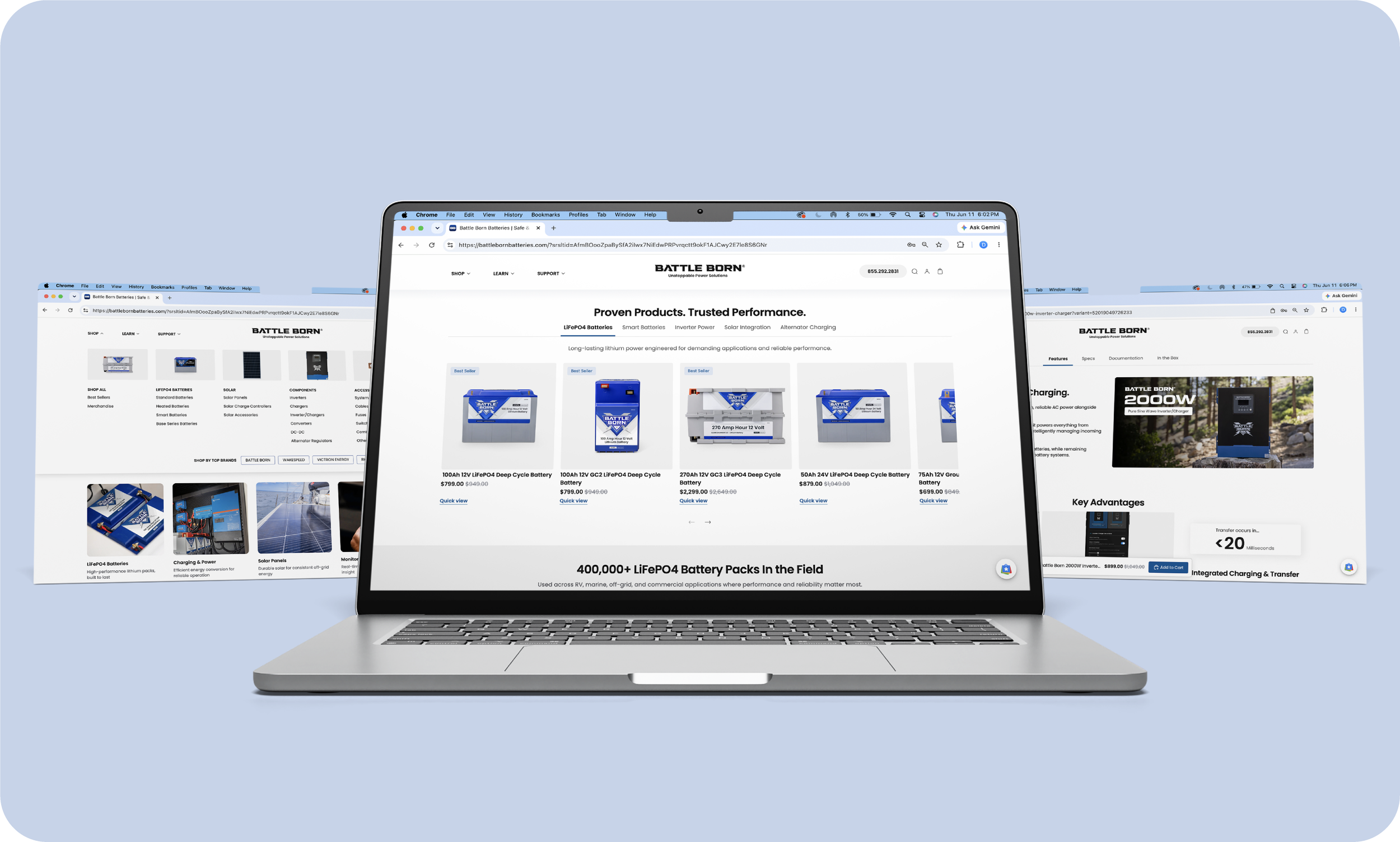
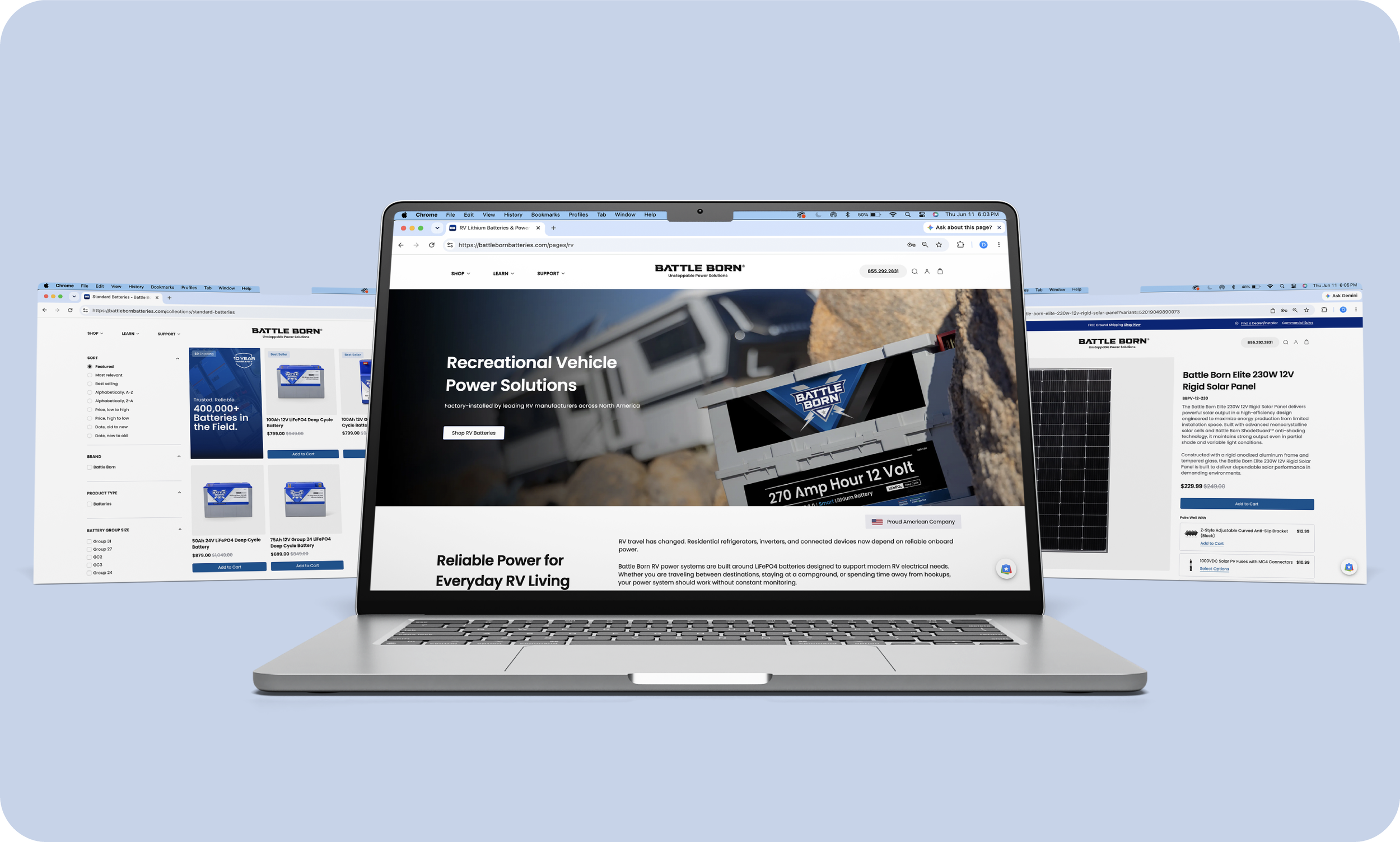
LIGHT MODE View Battle Born® Website, a conversion-focused UI redesign for one of the most recognized lithium battery brands in the RV and off-grid market.
Next Up